

E-signatures in your own app
- developers
- api
If your software produces quotes, contracts or onboarding forms, your users are probably downloading them and getting them signed somewhere else. That’s a step you can take off their plate.
Three ways to add it
Send from your backend. Upload a file, create an envelope, add the people who sign, place the fields and send. Signers get an email and sign on any device.
POST /api/v1/envelopes
Authorization: Bearer rk_test_…

{ "name": "Mutual NDA", "file": "file_01JA9X4Q7M" }
Sign inside your app. Open an embedded signing session for a recipient and put the URL in an iframe, so the signer never leaves your product. It works on every plan.
Hear back with webhooks. Register an endpoint and your app gets an event when someone opens the document, when each person signs and when it’s complete. Every event is signed, so you can check it came from us.
Start in test mode
Every plan comes with the API, Free included. Make a test key and build against it. Test envelopes are never billed, and their PDFs are clearly marked as tests.
If you serve many businesses
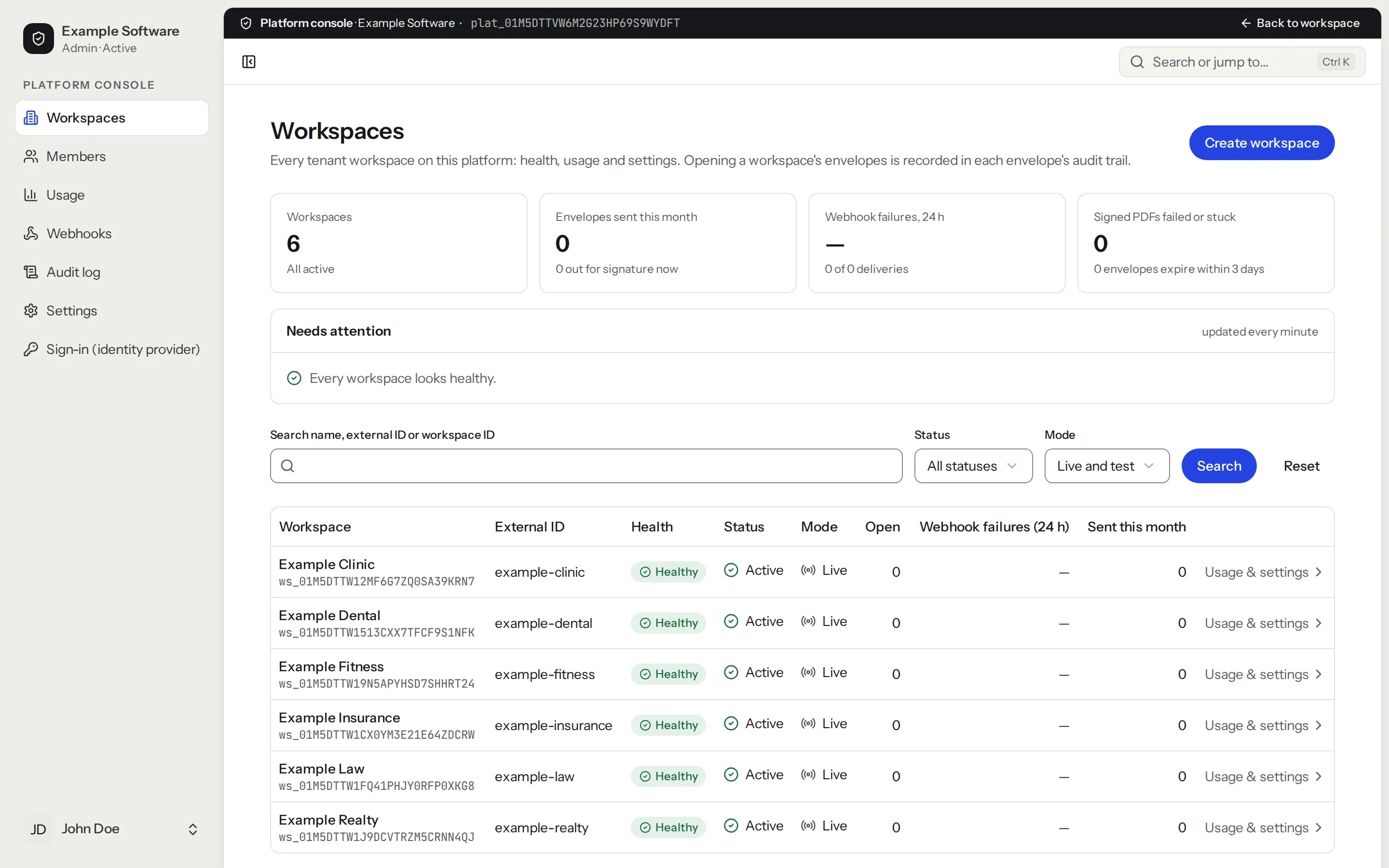
When each of your customers needs their own signing account, the Platform plan gives each one a workspace. You create and manage them all with one platform API key, and you can see usage for each.
Read more about Platforms.
AI assistants
You can also connect Claude or another assistant over MCP. It can draft and send envelopes with your permission. It never signs for anyone.
See MCP & API for code samples and the docs.